What Makes a Great Live Demo? Tools, Scripts, and Visual Cues
Build better live demos with a simple script, the right tools, and clear visual cues on macOS.
Live demos fail when audiences cannot see what matters, or when the presenter is fighting the tooling. Great demos feel smooth, intentional, and easy to follow.
Presentify helps you guide attention with annotations, cursor highlight, spotlight, and zoom. Pair that with a simple script, and your demo becomes a story instead of a tour.
The simple demo script
Use a four-part script every time:
- Context: the problem you are solving
- Promise: what the demo will prove
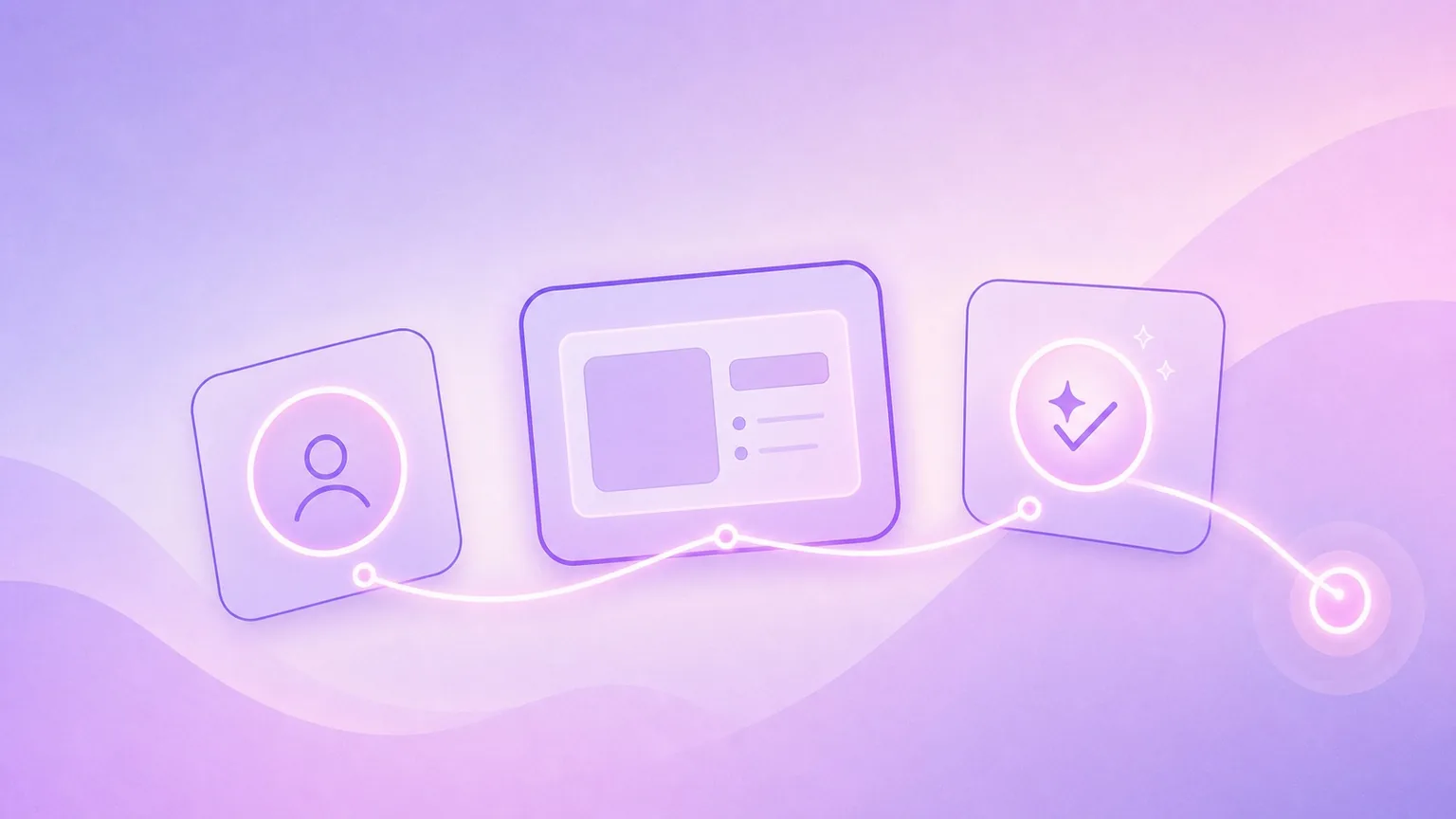
- Path: 2-4 steps you will show
- Payoff: the outcome, shown clearly
Keep it short. The demo should feel like a single focused narrative.
Tools that keep attention locked
Use just enough visual cues to keep the audience oriented.
Cursor highlight
Turn on cursor highlight to make every move visible.
- Toggle with
⌃ + S - Use a high-contrast color
- Turn on click animations for clarity
Spotlight
Spotlight helps you reduce screen noise.
- Toggle with
⌃ + L - Resize to match the area you want to discuss
Zoom
Zoom makes small details easy to read.
- Use it to highlight small text, inputs, or values
- If Zoom does not work, enable Screen Recording permission for Presentify
Annotations
Annotations are perfect for quick clarifications:
- Circle the field you are editing
- Draw arrows to show flow
- Clear with
⌫after the point is made
The live demo checklist
Before you start:
- Close irrelevant tabs and notifications
- Rehearse the 2-4 steps you will show
- Open the screens you will present in order
- Make sure cursor highlight is on
Use the Fn key to keep momentum
If Presentify is active, press and hold Fn to interact with the underlying app. This lets you keep the highlight or spotlight on while still clicking and scrolling.
Make the payoff obvious
When the demo reaches the "aha" moment, slow down and use a visual cue:
- Spotlight the outcome
- Annotate the key value or result
- Zoom in if the result is small
End with a short recap
Close with three sentences:
- What you showed
- Why it matters
- What the next step is
Great demos are not about showing more. They are about showing the right thing at the right time, clearly. That is exactly what visual cues are for.